desktop CNC machines, tooling and upgrade parts / Buying guide
Buying your first CNC router
Most first machines are bought from a listing and chosen on price and table size. Both are the wrong criteria, and the result is a machine that does not do the job that motivated buying it.
Four decisions, made in this order, get you to the right machine.
In this guide
Decide the material first
Wood and plastic, or metal. This single answer eliminates most of the market and sets your budget floor, because metal capability is the expensive part.
Be honest rather than aspirational. "Mostly wood but I might do aluminium later" is a real answer and it means buying the metal-capable machine now, because the upgrade path from a light frame does not exist.
Decide the part size, then subtract
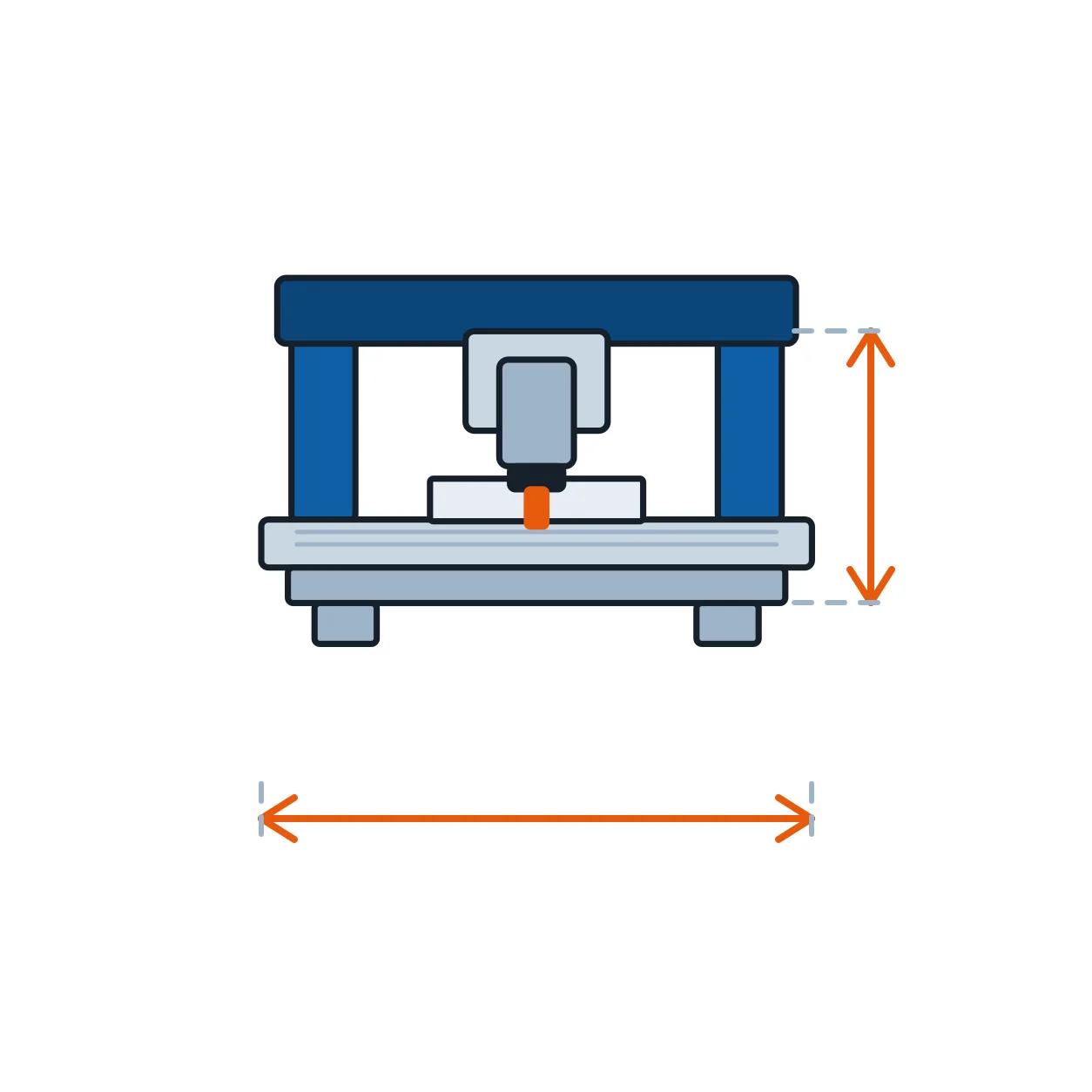
Measure your largest realistic part and add clamping room. Then remember that a machine's model number is its table, not its travel: on most desktop machines the usable Y travel is 40–60mm less than the name suggests, and Z clearance under the gantry is a separate, usually unpublished number.
Buying more envelope than you need costs rigidity as well as money, because a longer unsupported span flexes more.
What actually matters on the spec sheet
- Frame material and section — steel or thick plate beats extrusion for anything harder than wood.
- Crated weight — the specification a seller cannot inflate for free.
- Screws — ground ballscrew, rolled ballscrew or leadscrew, and whether the ends are supported.
- Rails — profile rail on blocks, or round rail on open bearings.
- Spindle — kW, cooling, collet system, and whether a VFD is included.
- Controller — GRBL, Mach3 breakout, or proprietary, because this decides your software for the machine's life.
What does not matter as much as the listing implies
- Stated positioning accuracy — measured unloaded, which is not how you cut.
- Maximum rapid speed — you will never use it, and on a light machine you should not.
- Number of included cutters — they are usually the ones you will replace first.
- "Industrial grade", "high precision", "heavy duty" with no numbers attached.
Budget for the things that are not the machine
A machine is roughly two-thirds of what you will spend in the first month. Cutters, workholding, extraction or enclosure, and a computer to drive it are the rest, and skipping them is how a working machine sits idle.
Freight and duty on a heavy machine are also substantial and are not in the listing price. Budget them before you commit rather than after.
Questions & answers
Common questions
- Should I buy a kit to save money?
- Only if you want to build a machine. A kit costs less and costs you a weekend plus the tuning; a built machine cuts on day one. Both are reasonable, but the saving is smaller than it looks once you value the time.
- How much should I spend?
- For wood and plastic, useful machines start low. For aluminium as a normal operation, the honest floor is substantially higher, and buying under it produces a machine that cannot do the job you bought it for.
- GRBL or Mach3?
- GRBL is simpler, free, well documented and enough for most desktop work. Mach3 is older, Windows-only and paired with more capable hardware. Whichever, avoid a proprietary controller you cannot replace.
- How long until I am cutting real parts?
- A built machine, a day or two. A kit, a weekend to build plus a week or so of learning CAM. The CAM learning is the real time cost either way.
Your next step
Have a link you want checked?
Send a 1688 or Taobao product link and you get back the specification in English, the supplier check, and the landed cost to your country before you commit to anything.
Get a quote