
Turn a CNC Teaching Syllabus into a Machine Purchase Brief
Map each CNC learning outcome to simulation, control-panel practice or physical machine activity before comparing education offers.
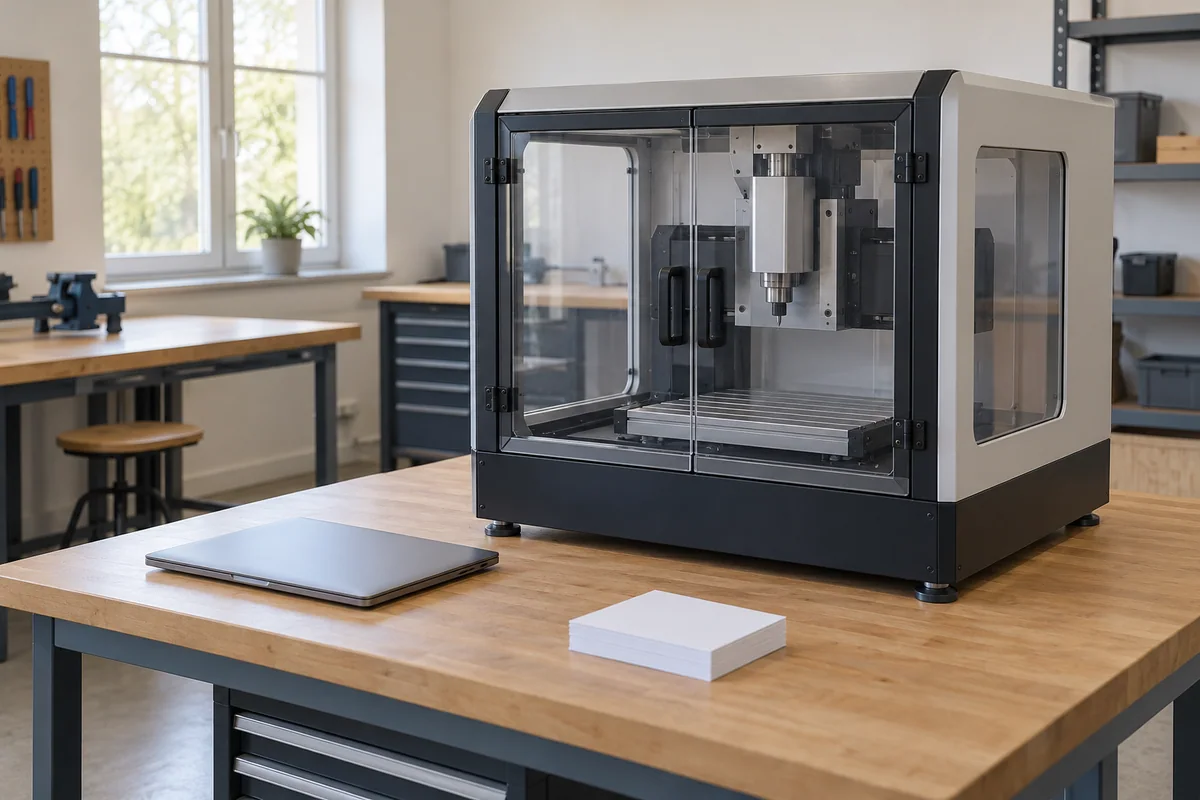
A CNC teaching purchase should begin with the learning activities the course must deliver. For each activity, decide whether learners need a software exercise, a physical control panel, an instructor-led machine demonstration or an assessed task on actual equipment. Then ask suppliers to identify which of those activities their exact offer supports, which it only simulates and which it cannot provide.
This approach helps an education buyer avoid paying for a machine feature that does not serve the syllabus, or accepting a simulator where physical evidence is required. The institution retains responsibility for curriculum approval, assessment, permitted activities and supervision. A teaching label on a product does not make those decisions.
Turn broad outcomes into observable tasks
Start with the educator-approved syllabus and select the outcomes that influence equipment choice. “Understand CNC machining” is too broad to compare offers. A more useful purchase description identifies what the learner must demonstrate and what the assessor must observe, without including operating instructions in the RFQ.
For example, a course might ask learners to explain a program on a specified control interface, interpret a simulated result, or observe an instructor demonstrate a physical machine function. Whether any example belongs in the actual course is the educator’s decision. Procurement should preserve that distinction rather than quietly rewriting the syllabus to match an attractive package.
Separate the learning outcome from its proposed delivery mode. Sometimes the educator will accept several modes; sometimes a physical task is mandatory. Record that choice expressly. A supplier may suggest an alternative, but only the course owner can decide whether it satisfies the intended outcome.
Use four delivery descriptions in supplier replies
Ask suppliers to classify each requirement as software simulation, physical control-panel exercise, physical machine activity, or unavailable. Add “unresolved” when the provided evidence is incomplete. These are purchasing descriptions, not accreditation categories or universal teaching standards.
A real control panel can exist without a cutting machine. Haas describes its Standard Control Simulator as a control for classroom training and demonstrations without the machine, including a simulated graphic dry run. This is a concrete example of why the presence of familiar keys and a branded interface should not be interpreted as physical machine capability. Haas Standard Control Simulator description.
Siemens likewise describes SinuTrain and Run MyVirtual Machine as training solutions for operation and programming skills within the SINUMERIK environment. That description establishes the products’ educational purpose; it does not determine the licence entitlement, feature coverage or suitability of a particular school offer. Siemens training-solution overview.
Keep a simulated result labelled as simulated in the response. A digital display of tool changing, workholding or a finished component does not show that the offered physical machine has the corresponding hardware or has completed the actual task.
Build the curriculum-to-equipment map
Use a short row for each purchase-driving task. The response should point to the exact offered product and the documentation that answers that task, rather than to a general educational catalogue.
| Curriculum input | What the education buyer specifies | What the supplier must distinguish |
|---|---|---|
| Learning outcome | Observable task and assessor’s required evidence | The specific function offered, with any missing part |
| Delivery mode | Simulation, panel exercise, physical activity or permitted alternatives | What happens in software and what requires actual hardware |
| Control environment | Required controller family, interface and version requirements | Exact supplied product/version and documented differences |
| Physical feature | Machine function the syllabus genuinely needs | Included hardware versus optional or unavailable hardware |
| Teaching access | Instructor and learner access needs, stated without personal data | Proposed licence and hardware allocation for provider confirmation |
| Institutional conditions | Approved activity boundaries and supervision owner | Documents needed by the institution’s competent reviewers |
| Verification | What the educator must see to evaluate task coverage | Proposed demonstration evidence, scope and exclusions |
Have the course owner approve the requirement column before the RFQ is circulated. Otherwise different suppliers can answer different interpretations of the same broad outcome. If a requirement changes during evaluation, record the educational reason and apply the revised requirement consistently to all offers still being considered.
A fictional course with one physical and two software tasks
Assume a fictional course requires one instructor-led physical tool-change demonstration and two programming exercises that the educator has approved for simulation. Offer A contains only a control simulator. Offer B contains a machine and software, but does not identify the machine’s tool-change hardware.
A may be a candidate for the two software exercises once its exact function coverage and entitlement are confirmed. It does not answer the mandatory physical demonstration. B has supplied a broader package, but “machine included” does not resolve whether the required physical function is present. Its tool-change row remains open until the manufacturer documentation and the educator’s agreed evidence are supplied.
There are several legitimate purchasing outcomes. The institution might buy separate resources for the software and physical tasks, select one documented package, or formally change the syllabus. Procurement should not choose among these by assuming that a simulation is automatically equivalent or that a larger machine is automatically better.
No student activity, supervision ratio, licence-seat count or machine safety approval is established by this example. It describes how to keep task coverage visible while the institution’s education and technical teams make their decisions.
Ask who can use the proposed teaching resource
The purchase description should distinguish an instructor demonstration resource from resources intended for individual learner practice. Ask the software provider to confirm the actual entitlement: product and version, institution eligibility, permitted users or installations, relevant feature options, duration and any renewal conditions. Record what is offered without assuming that a classroom screenshot proves classroom licensing.
Include the institution’s computer and administration requirements where they affect delivery. Ask which installation and support responsibilities the supplier proposes to take, and which require the institution’s IT team. Avoid promising a fixed number of simultaneous users, offline access or a particular operating-system compatibility without the provider’s confirmation.
Keep personal student information out of the initial sourcing brief. The supplier normally needs a description of educational use and access requirements, not a class roster. Any later account or personal-data process should be handled through the institution’s authorized channels.
Evaluate teaching coverage separately from machine acceptance
Have the educator identify the evidence needed to judge each learning task. A demonstration should name the product/version, task and limits. A simulation recording can demonstrate a software exercise, while an actual-machine claim needs evidence applicable to the offered machine. Ask for clarification when the seller’s demonstration uses an optional feature or a different configuration.
The institution’s competent safety team separately determines permitted physical activities, supervision, guarding and other applicable requirements. Curriculum coverage does not establish a safe teaching environment. A successful demonstration also does not establish accreditation, learner competency or the machine’s dimensional performance across other jobs.
Where a representative machining result is genuinely required by the course, agree its review and acceptance scope with qualified personnel. This article does not supply a test procedure. The RFQ should identify the responsible reviewer and evidence expected, so the buying agent is not left to make an educational or engineering judgment from a seller’s video.
Approve a resource plan tied to the syllabus
Before selecting an offer, the institution should be able to say which resource delivers each required task and which dependencies remain. Ask the supplier to itemize physical equipment, simulator or control products, software entitlements, documentation and any separately offered training or support. An unresolved mandatory task should remain visible beside the price comparison.
A useful inquiry is: “Please answer the attached curriculum-task map for your exact proposed configuration. Separate simulated functions, control-panel exercises and physical machine activities. Identify unavailable tasks, optional hardware and provider-confirmed software entitlement. Our institution will review curriculum equivalence and permitted activities separately.”
Use the CNC training-machine category for the equipment scope and the CNC quote form for the initial description or listing. The form permits five PNG, JPEG, WebP or GIF images, up to 10 MiB each and 20 MiB total. Arrange syllabus PDFs or other technical files through a separately authorized exchange. The independent buying agent coordinates sourcing; the institution approves its teaching resource plan.
Frequently asked questions
Does a real CNC control panel mean a physical machine is included?
No. A control simulator can provide a physical panel without a cutting machine. Ask the supplier to separate panel exercises, simulated results and actual machine functions in the quotation.
Can a simulator satisfy a required physical demonstration?
Only the course owner can revise or approve the delivery requirement. If a physical activity is mandatory, keep it unresolved until an appropriate physical resource and institutional approval are documented.
What should be confirmed about classroom software?
Ask the provider to confirm the exact product/version, relevant features, permitted educational use, users or installations, duration and renewal conditions. Do not infer those rights from installed software or a demonstration.
Who approves students using the machine?
The institution determines permitted activities and supervision through its competent education and safety personnel. A buying agent or supplier feature checklist cannot replace that decision.
Sources
Discuss a sourcing request related to this article.Turn a CNC Teaching Syllabus into a Machine Purchase Brief